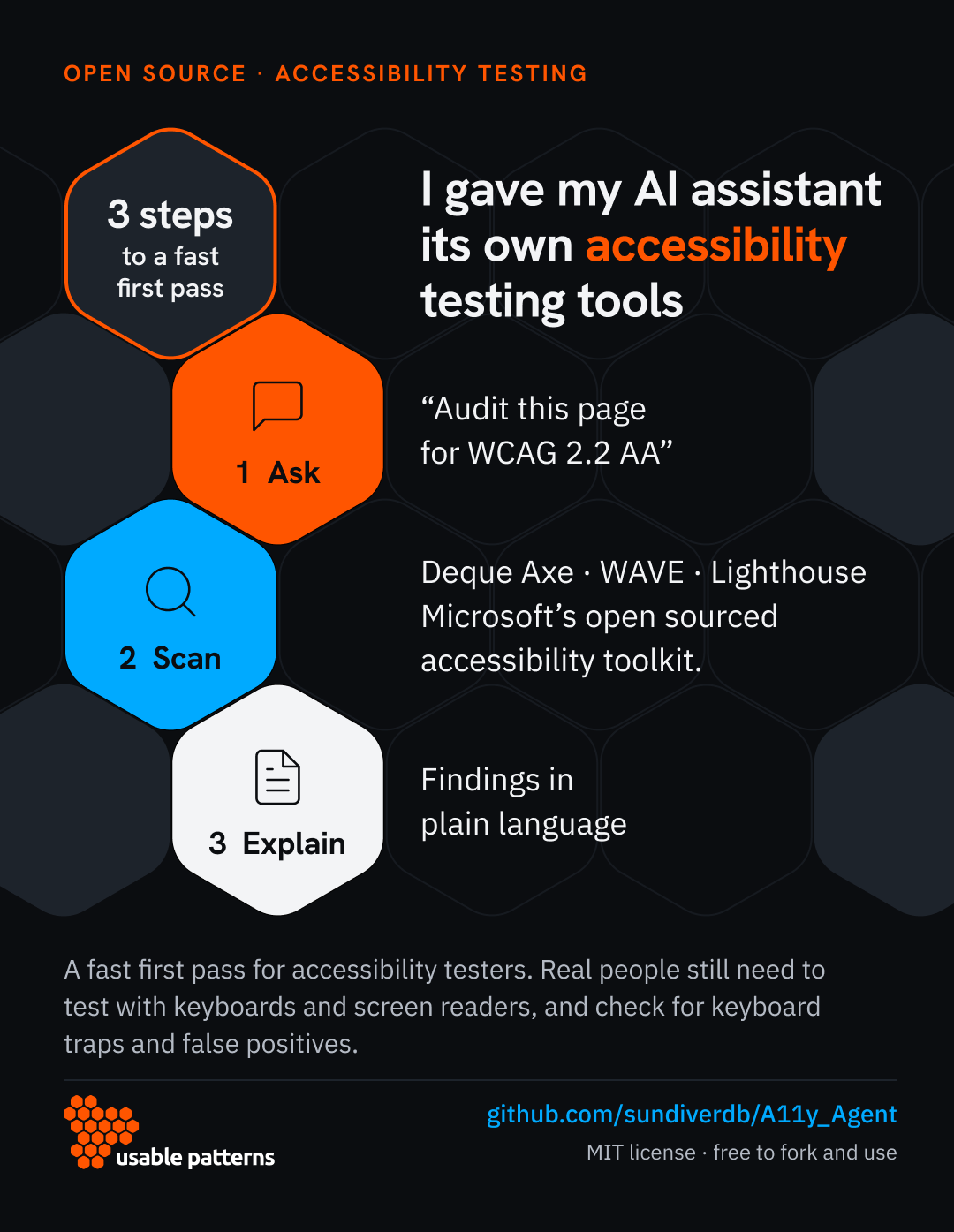
My A11y Agent is an open source MCP server, so any AI assistant that supports MCP can use it for a fast first pass on a page:
- Ask: “Audit this page for WCAG 2.2 AA.”
- Scan: it runs Deque Axe, WAVE, Lighthouse and Microsoft’s open source accessibility toolkit.
- Explain: it reports what it found in plain language.
It’s a first pass, not a full audit. Real people still need to test with keyboards and screen readers, catch keyboard traps, and weed out false positives.
The code is on GitHub under an MIT license, so you’re free to fork it and use it however you like: github.com/sundiverdb/A11y_Agent.
What would you want an AI accessibility checker to catch first?
Leave a Reply